Laravel Remote Complete Guide for Modern Developers
When you work with Laravel long enough, you eventually reach a point where manually SSH-ing into a server starts to feel like a chore. You type the same commands over and over: pull the repository, run migrations, restart the queue worker, clear the cache… it gets old fast. That’s exactly why Laravel Remote, usually powered through Laravel Envoy, exists.
This guide explains everything you need to know about Laravel Remote: what it is, why developers use it, how it works, how to configure it, and real-world examples all in clear, practical English.
What Is Laravel Remote?

Laravel Remote is a feature that allows developers to run commands on remote servers directly from their local machine using Laravel’s automation tools. Instead of logging in manually via SSH to execute server tasks, Remote lets you automate them through predefined scripts.
At its core:
-
It uses SSH to connect to a server
-
It executes tasks based on your defined configuration
-
It simplifies deployment and server management
Laravel Remote is often used through Laravel Envoy, which provides a clean, Blade-like syntax for writing remote tasks.
Think of it as SSH automation with a Laravel flavor.
Why Developers Use
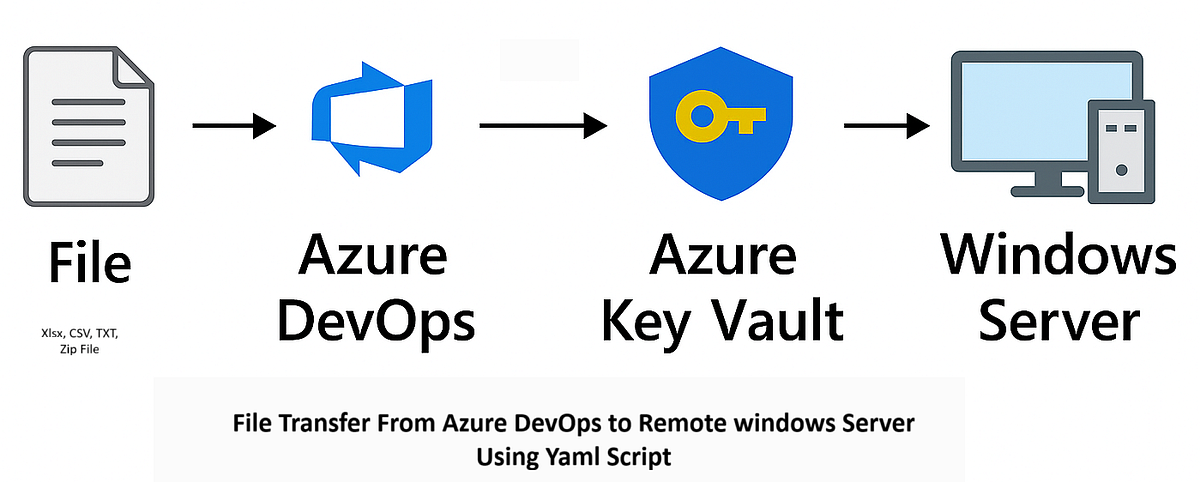
Laravel Remote became popular because it solves several real-world developer problems. Here are the main reasons:
1. Faster Deployments
Instead of performing each deployment step manually, one command can:
-
Pull the latest Git updates
-
Install dependencies
-
Run migrations
-
Clear and rebuild caches
-
Restart services
2. Reduced Human Error
A mistyped command on a production server can cause chaos. Remote tasks ensure consistency and accuracy.
3. Workflow Standardization
Teams benefit from a shared, automated deployment script. Everybody uses the same process.
4. Simple Onboarding for New Developers
New team members don’t need to memorize server commands. They just run a task, and Laravel handles the rest.
5. Lightweight DevOps Alternative
If your project isn’t ready for full CI/CD pipelines, Laravel Remote provides a simpler but effective automation system.
How Laravel Remote Works
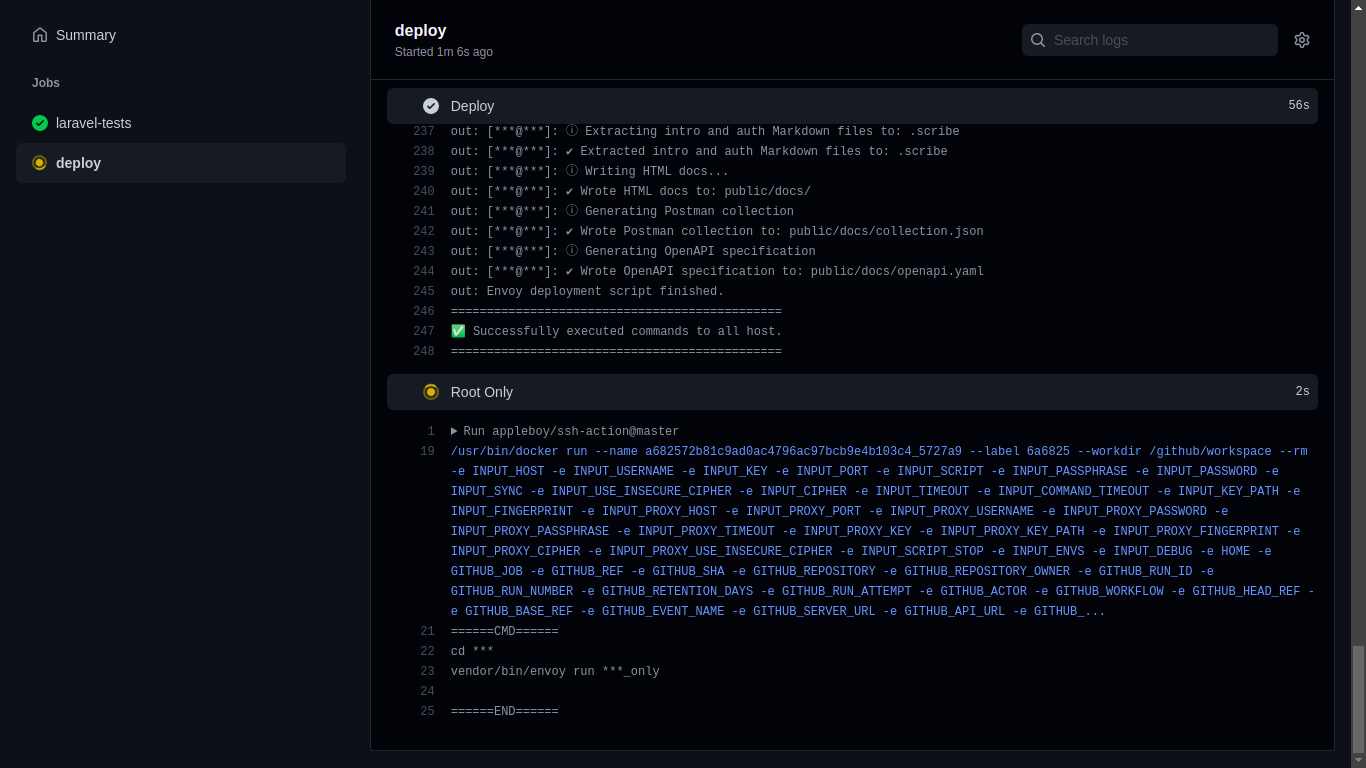
Laravel Remote operates through a basic architecture:
1. You define servers and tasks in an Envoy.blade.php file
This file lives in the root of your Laravel project.
2. Envoy uses SSH behind the scenes
It connects to your defined servers automatically.
3. You run tasks via command line
Example:
Example Minimal Configuration
This defines a deploy task that updates code and applies database changes remotely.
Setting Up: Step-by-Step
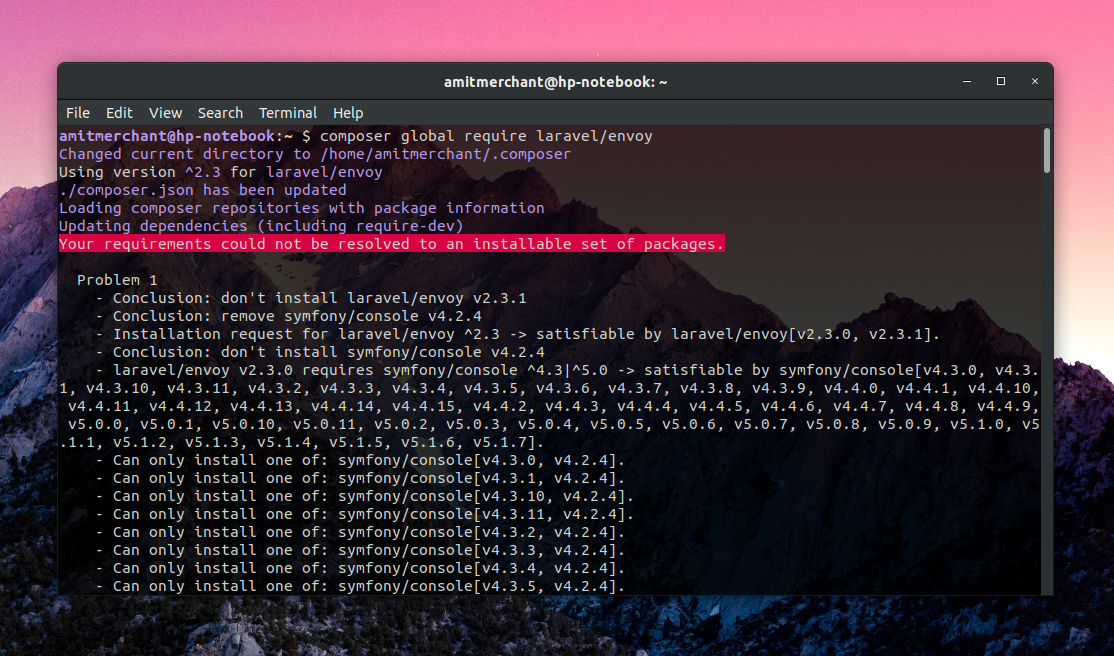
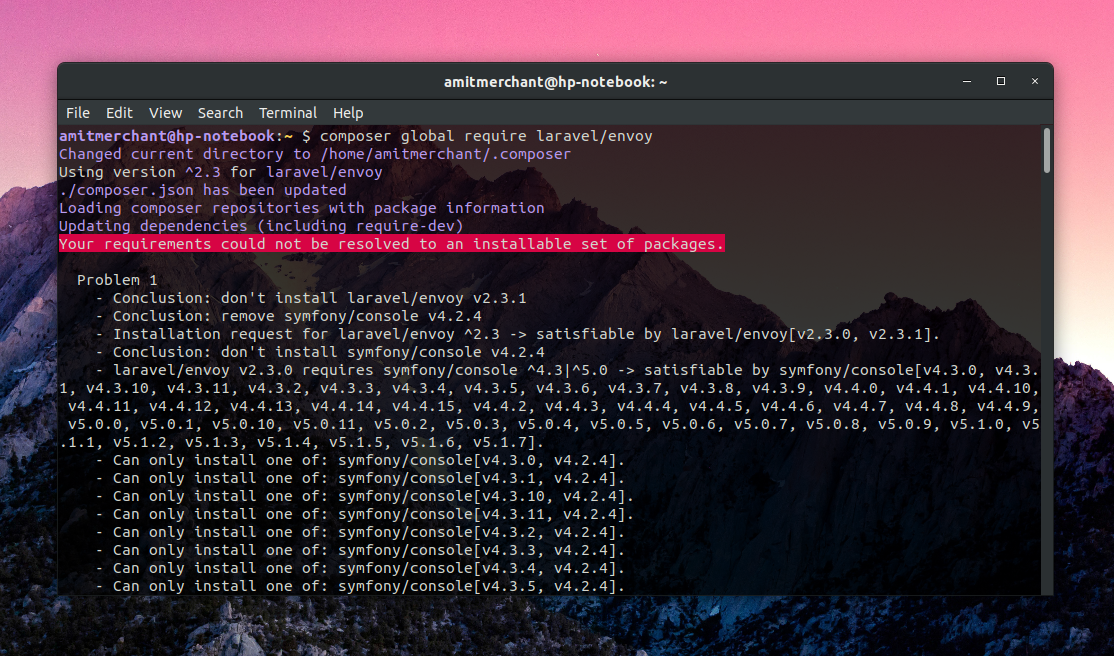
Install Envoy globally:
Make sure ~/.composer/vendor/bin is in your PATH so you can run the envoy command.
Step 2: Create an Envoy File
In the root of your Laravel project, create:
This file will store all your remote tasks.
Step 3: Define Your Server
Example:
For convenience and security, use SSH keys instead of passwords.
Step 4: Add Remote Tasks
Example update task:
Step 5: Run Your Tasks
That’s it your remote server runs the commands instantly.
Real-World Tasks You Can Automate with Laravel Remote

Laravel Remote is extremely flexible. Here are the most common tasks developers automate:
1. Deploy Code
Pull updates from Git, rebuild assets, clear caches.
2. Run Database Migrations
Especially useful for production environments:
3. Queue Worker Management
Restart workers after updating code:
4. Server Maintenance
Delete old logs, clear storage, or prune outdated cache files.
5. Backup Automation
Remote tasks can trigger scripts that back up:
-
Databases
-
Storage files
-
Logs
6. Cron-Like Scheduled Tasks
Tasks can be executed manually or on a schedule using cron.
Advanced Laravel Remote Techniques

If you want more power, Laravel Remote can expand into advanced territory:
1. Multi-Server Deployment
You can deploy to several servers with one command:
2. Zero-Downtime Deployments
With strategies like:
-
Symlink switching
-
Atomic deploy folders
-
Asset pre-build
You can deploy without interrupting your live app.
3. Dependency Management Automation
Envoy can install Composer or NPM packages automatically during deployment.
4. Custom Rollback Commands
You can create tasks like:
Best Practices

To keep your workflow clean and safe, follow these guidelines:
1. Always Use SSH Keys
More secure than passwords and prevents server lockouts.
2. Restrict Commands
Never allow dangerous or unnecessary operations.
3. Keep Tasks Simple
Break big tasks into smaller, readable functions.
4. Test Tasks on a Staging Server
Never experiment directly on production.
5. Use Environment-Specific Configurations
Define different servers for:
-
staging
-
production
-
testing
6. Version Control Your Envoy File
Treat it like part of your application code.
Is Laravel Remote Worth Using?
Laravel Remote is a powerful yet lightweight automation tool, perfect for teams and solo developers who want simpler deployments, safer workflows, and cleaner server management.
If you:
-
deploy frequently
-
manage multiple servers
-
need automation without heavy DevOps tools
-
want consistent, error-free deployments
…then Laravel Remote is absolutely worth integrating into your workflow.
It’s not a replacement for full CI/CD pipelines, but it’s an excellent bridge between manual deployment and full automation.